---
title: CMS 13 Upgrade Path | Self-Audit for Optimizely Users | Blend Interactive
description: Discover your upgrade path to Optimizely CMS 13 with our quick self-audit. Get expert support for migration, Visual Builder setup, and more.
image: https://workwithus.blendinteractive.com/hubfs/Opti%2013%20Campaign%20-%20Feature%20Image.png
---
[Skip to main content](https://workwithus.blendinteractive.com/optimizely-13-technical#main-content)
[   ](https://www.blendinteractive.com/)
Open main navigation
Close main navigation
- [Book Your Consultation](https://calendar.google.com/calendar/u/0/appointments/schedules/AcZssZ2TweRGJd-kmhd2_qFs4urQ2kGptZEALvz15eKCtFGspqv9mEXucRe-jSXetboP2OI9-oDuZKeJ?utm_source=hs_email&utm_medium=email&_hsenc=p2ANqtz-8VKqRGpo73Hku0ylC91zWMmrA780eUuyeJeH3vwqtEeTk7I0tUYv96eMC6h_MlNsGa6Phj)
[Book Your Consultation](https://calendar.google.com/calendar/u/0/appointments/schedules/AcZssZ2TweRGJd-kmhd2_qFs4urQ2kGptZEALvz15eKCtFGspqv9mEXucRe-jSXetboP2OI9-oDuZKeJ?utm_source=hs_email&utm_medium=email&_hsenc=p2ANqtz-8VKqRGpo73Hku0ylC91zWMmrA780eUuyeJeH3vwqtEeTk7I0tUYv96eMC6h_MlNsGa6Phj)
# What Your Technical Team Should Know About Optimizely CMS 13.
**Optimizely CMS 13 changes how authentication, search, and packages work.**
If you're running CMS 12, the size of the upgrade depends on how deep your customizations go — which means the only way to get an accurate scope is to understand how it works within your current set-up. Answer these two quick questions and you’ll begin to better understand the upgrade path.
## [Are you ready for Optimizely CMS 13? Two questions in less than one minute to uncover your path — from light lift to full migration.](https://workwithus.blendinteractive.com/optimizely-13-technical#opti-quiz)
## [Read Our Articles Read what our experts at Blend have to say about upgrading.](https://workwithus.blendinteractive.com/blend-interactive-blog?hsLang=en)
## What changes in CMS 13:
#### Authentication moves to Opti ID.
CMS 13 shifts identity and access to Optimizely's unified login. Standard setups are typically easier to migrate, while there may be additional work when upgrading around custom authentication, external identity providers, or role logic.
#### ContentGraph replaces Search & Navigation.
The Search & Navigation (Find) approach is being sunsetted in favor of ContentGraph. The level of work will depend on how much of your current search, filtering, and listing behavior depends on Find. Often, this is the single biggest lift in the upgrade.
#### Package compatibility and API removals.
Third-party and custom packages, by nature of developing independently of CMS 13, will need to be checked against the new upgrade. Meanwhile, some CMS 12 APIs are no longer viable. It’s important to inventory packages and APIs up front to minimize unplanned effort.
## A faster and better upgrade: Project Greenlight
Blend is a Project Greenlight partner for CMS 13. This means that we are one of a small group of partners trusted to join a select cohort for CMS 13 upgrades. It gives us early access to Optimizely's CMS 13 AI tooling and a direct line to their CMS experts while we work — so your upgrade moves faster and hits fewer surprises.
[](https://workwithus.blendinteractive.com/hs/cta/wi/redirect?encryptedPayload=AVxigLKTH411A7sAbXWcrvBzviDclI6tRBdPlgXPTMUaHlKdR40K8PzQr6SWGh80sTA5nl6kkO9rIkQQ5d%2BeQ%2Fwtc9xi8l%2FvvZlU6Kj4apWbKwTtmW3LqSbpQaFO%2FLAjnK%2B8vmIRu3u4EX0AERXymOlJSzt9gECsSgG9Z0YasrD5rF%2BamD9tQNMuI%2Fv5jCr7hB%2FR%2Fc1%2FYE8%2FDEQm&webInteractiveContentId=410650701543&portalId=43585221&hsLang=en)
## Frequently Asked Questions
Will our CMS 12 customizations survive the upgrade?
Some CMS 12 customizations will migrate cleanly into CMS 13, while others won’t. The answer depends mostly on your authentication and search setup. While standard or simple configurations will mostly likely move over with little friction, custom authentication and heavy Search & Navigation use will take time to migrate, if they can migrate at all.
How much work is a CMS 13 upgrade, realistically?
The lift of a CMS 13 upgrade depends on the site itself, and can call in a wide range. A near-out-of-the-box CMS 12 site can be a low-tier upgrade, while a heavily customized site with a deep Find implementation is a high-tier project. Our self-audit will help determine where your site lands on that scale.
What happens to our Search & Navigation (Find) implementation?
Search & Navigation (Find) is replaced by ContentGraph in CMS 13. This means any search, filtering, or listing functionality built on Find has to be reworked. This rework often becomes the biggest lift on an upgrade project.
Do we have to turn on Opal or Visual Builder right away?
No, you do not need to turn on Opal or Visual Builder right away. The CMS 13 upgrade is a separate project and workflow from implementation of Opal or Visual Builder. You can upgrade now and make the decision later; however, you need CMS 13 before you can make either decision.
Why work with a Project Greenlight partner?
Optimizely selected a small group of partners for early access to its CMS 13 tooling and direct support during upgrades. For you, that means the developers doing the work aren't figuring CMS 13 out on your project — they have the tooling and the direct line to Optimizely that keep an upgrade from stalling.

## About Blend
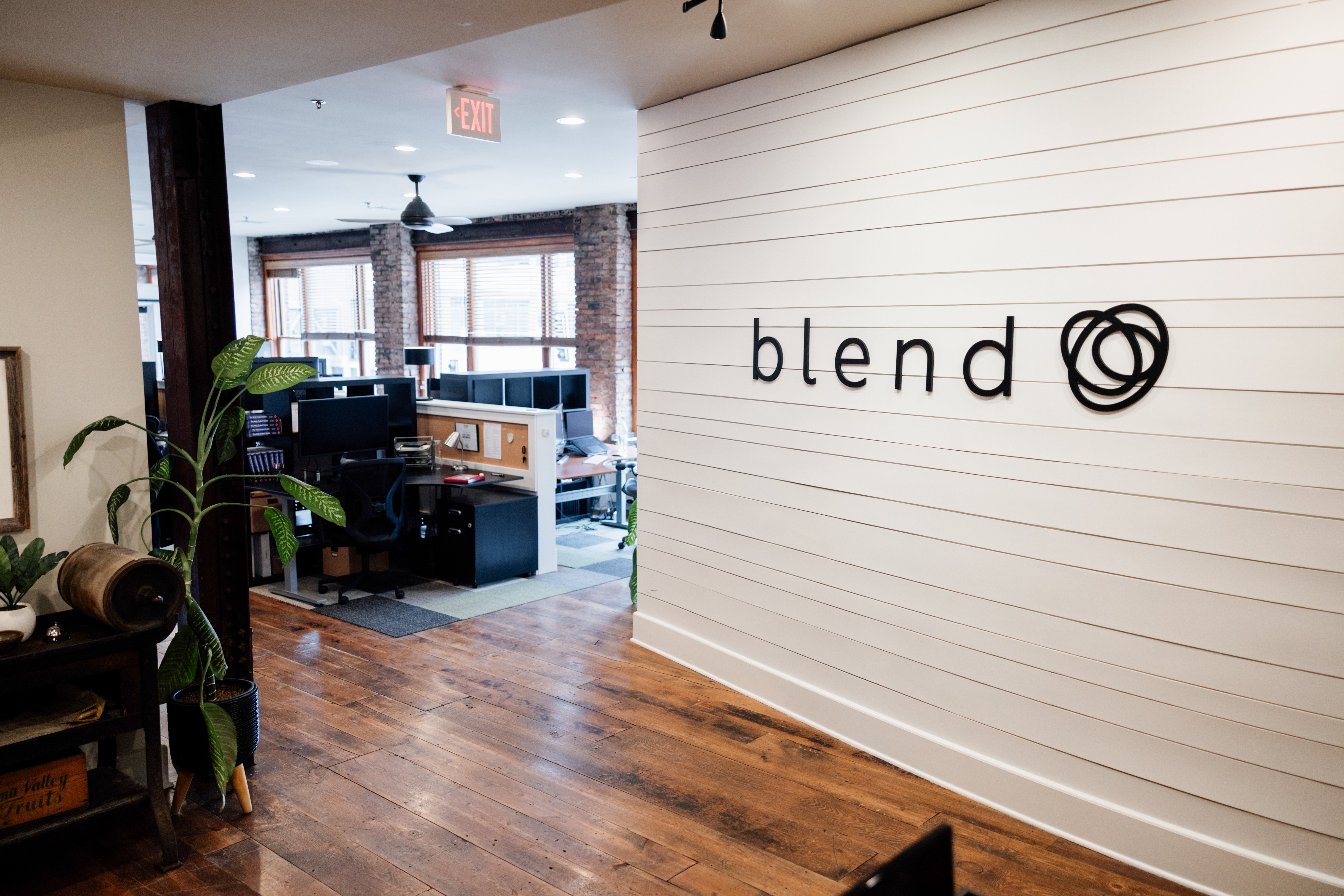
[Blend Interactive](https://www.blendinteractive.com/) is a web strategy, design, and development agency based in Sioux Falls, South Dakota. For over 21 years, we've helped organizations with complex websites figure out what to build, how to structure it, and how to keep it working after launch.
We've been working with Optimizely (and Episerver before that) since 2008, and we're a Platinum Solution Partner with four certified Optimizely developers on staff. CMS 13 is the latest chapter in a long story — and the underlying work is the same as it's always been: understand the platform, plan the upgrade carefully, and make sure the site is better on the other side.
- 
- 
- 
- 
### Stay Up to Date with Web Trends
From thoughts on important web trends, to updates on our team and community, it is always worth a read.
[Sign Up For Our Newsletter](https://www.blendinteractive.com/newsletter-sign-up/)
### We Solve Complex Content and Design Problems
We’d love to help you with your project, whether it’s site strategy, sharp design, or a complex site implementation.
[Start Your Project Today](https://www.blendinteractive.com/contact/#)
[](https://www.blendinteractive.com/)
- 231 S. Phillips Ave, Suite 200
- [(605) 334-7077](https://workwithus.blendinteractive.com/605-334-7077)
- [hello@blendinteractive.com](https://workwithus.blendinteractive.com/hello@blendinteractive.com)
[Terms of Service |](https://www.blendinteractive.com/terms-of-service/)[Privacy Policy](https://www.blendinteractive.com/privacy-policy/)
-
-
-